PURIKURA ONLINE
Purikura online: your selfie as a Japanese photo booth sticker sheet
No booth nearby? Upload one selfie and get a purikura-style sheet with four poses, pastel frames and hand-drawn doodles, ready to download.
 Original
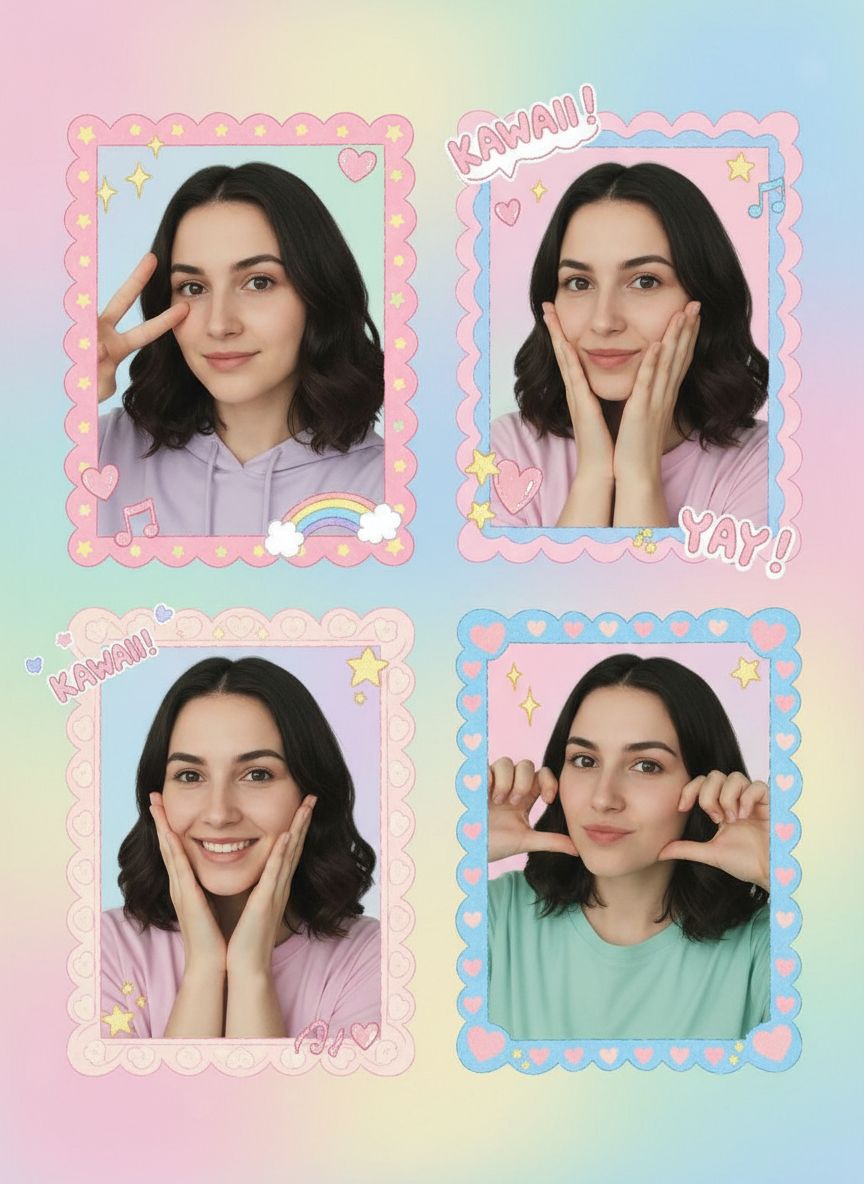 Purikura
What is purikura?
Purikura are Japanese photo-sticker booths, popular since the 1990s. Friends squeeze into the booth, take a few poses, decorate them with doodles and stamps, and print the result as a sticker sheet. Dreamy Y2K recreates that look from a single selfie in your browser.
What you get
- Four poses
- The AI arranges several poses of you in a sticker-sheet grid.
- Kawaii frames
- Scalloped pastel frames, hearts, stars and sparkles.
- Doodles and text
- Hand-drawn style scribbles and short cute words.
- Soft beauty glow
- The smooth, bright look purikura booths are known for.
Tips for a cute purikura sheet
- ✦ Use a bright, front-facing selfie with your face clearly visible.
- ✦ Choose 9:16 for a full sheet or story, 1:1 for a profile picture.
- ✦ Results vary between generations; try again for different poses and doodles.
Examples / 06
More examples of this look
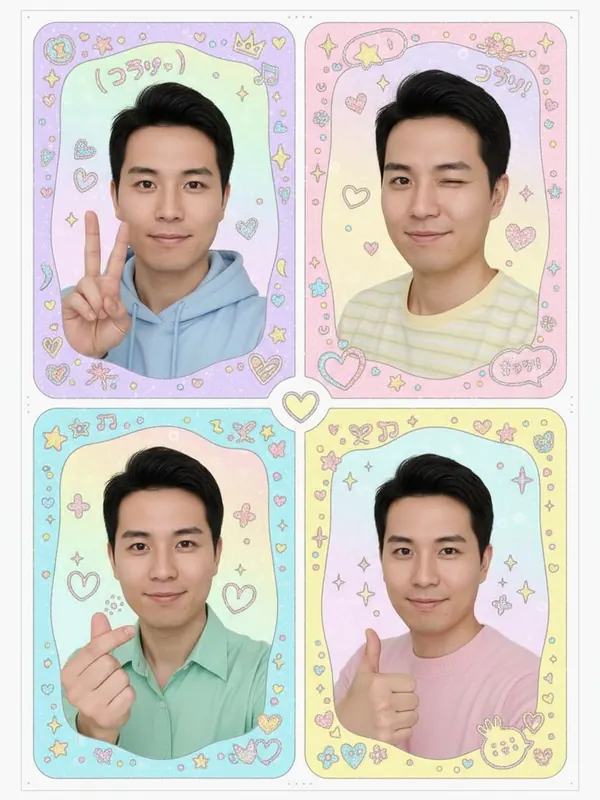
man, late 20s
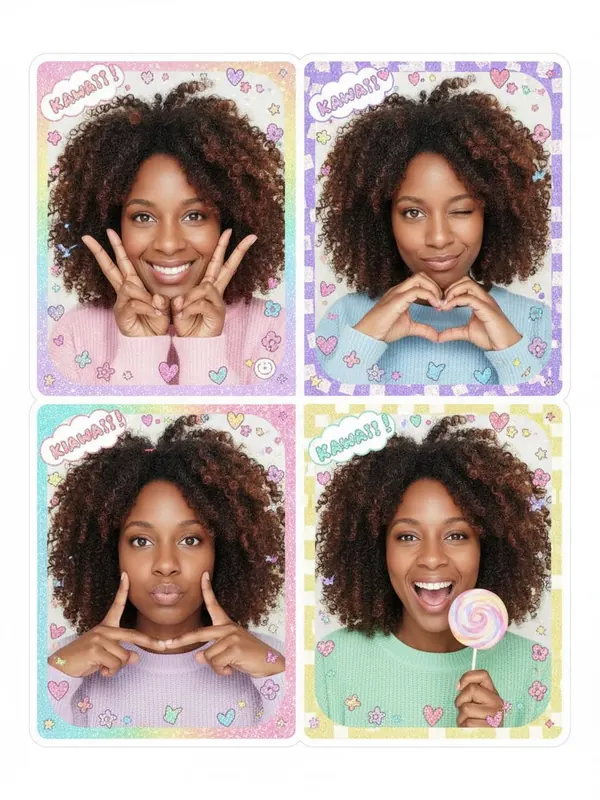
woman, early 30s
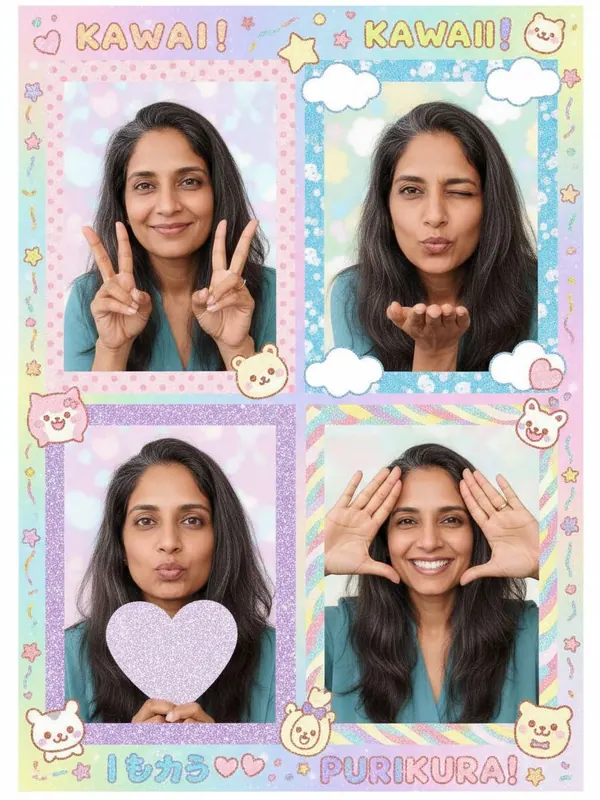
woman, mid-40s
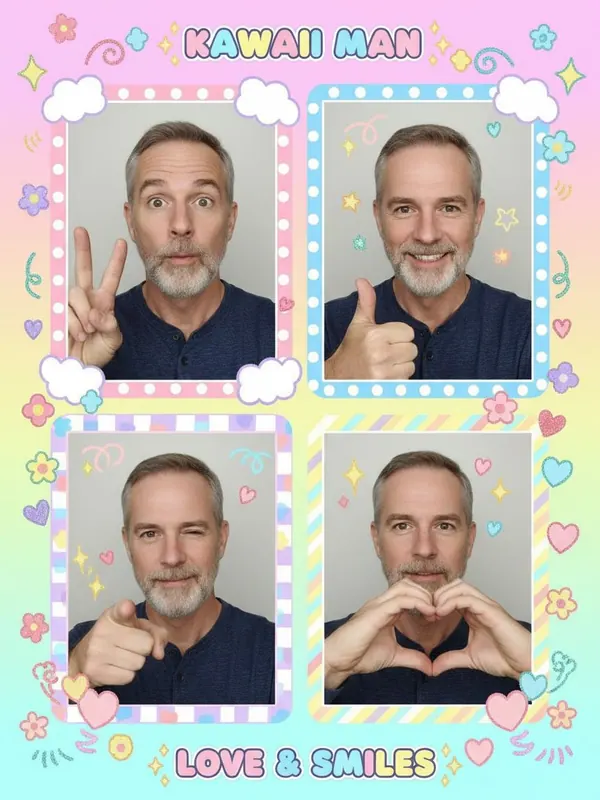
man, mid-50s
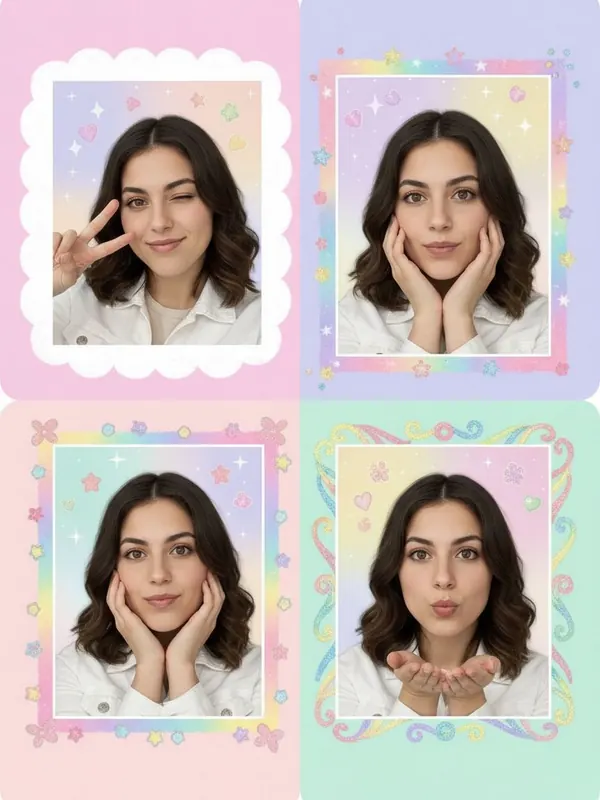
woman, mid-20s
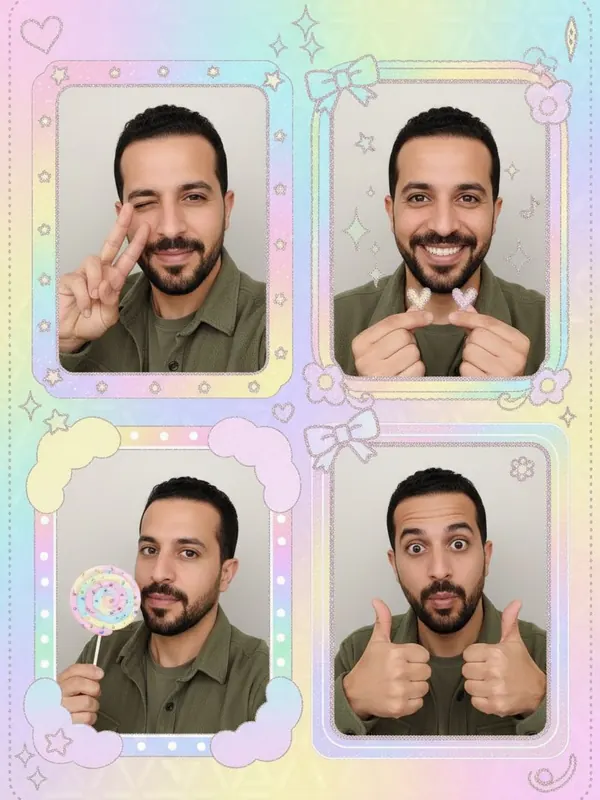
man, late 30s
All models are fictional adults generated by AI — no real people or public figures. Results vary with your photo.
From one selfie to a saved sticker-style image
Choose one clear selfie
Use a well-lit photo of one person. Select it above and keep the Purikura look selected. The example wall shows AI-generated model photos, not customer results.
Continue to your account
Continue to sign in or create an account, then check the selected photo and look on the creation page. Choose the aspect ratio there and check the credit cost before generating.
Review before you download
Inspect the face, extra poses and generated lettering. AI can alter your features and produce imperfect text. Download the result you want to keep; a new generation uses credits again.
Print only after checking the file
This is a digital image, not a physical sticker order. Open the downloaded image at the intended print size and check the crop, face detail and lettering before using sticker paper or a print service.
Purikura online FAQ
- Is it free to make a purikura online?
- Eligible new accounts receive 3 starter credits after email verification, and each image uses 1 credit. More credits are a one-time purchase with no subscription.
- Can I make a purikura with friends?
- Right now one photo of one person works best. Group photos are not supported yet.
- Can I print it as stickers?
- Yes. Download the image and print it like any other photo, for example with a sticker paper printer or a print service.
- What happens to my photo?
- Your original photo is resized on your device and used only to create your image. Dreamy Y2K does not save it; only the result is stored privately in your account.